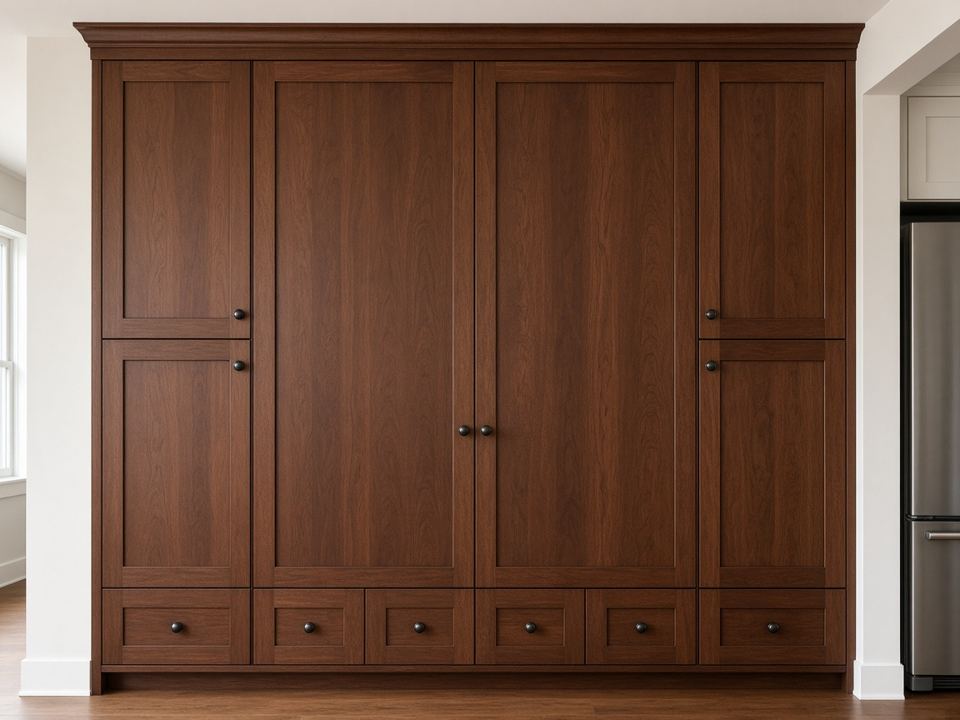
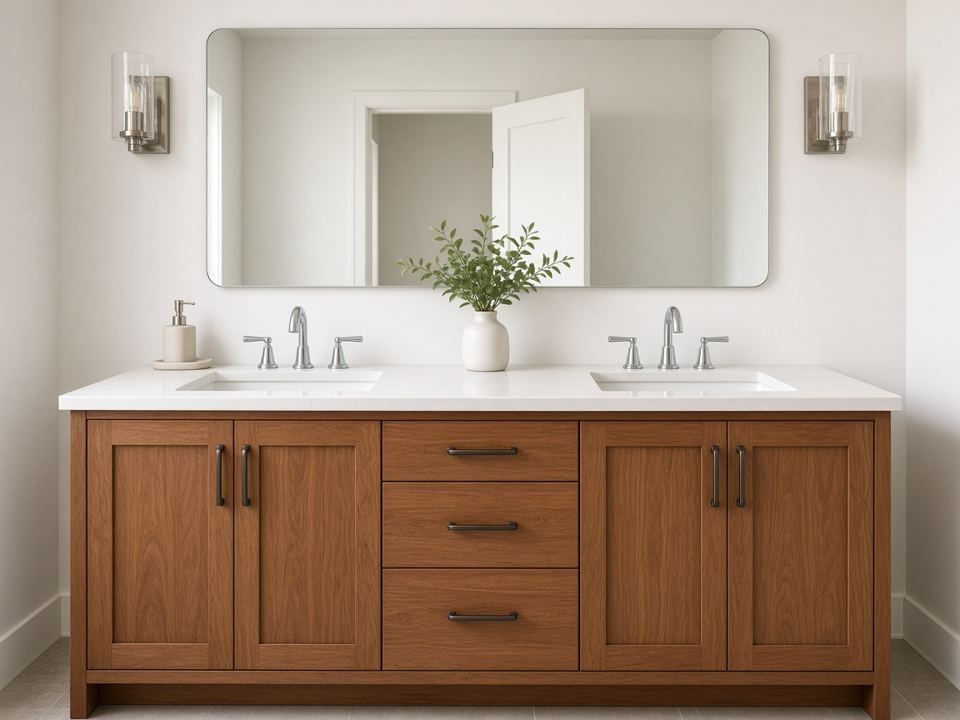
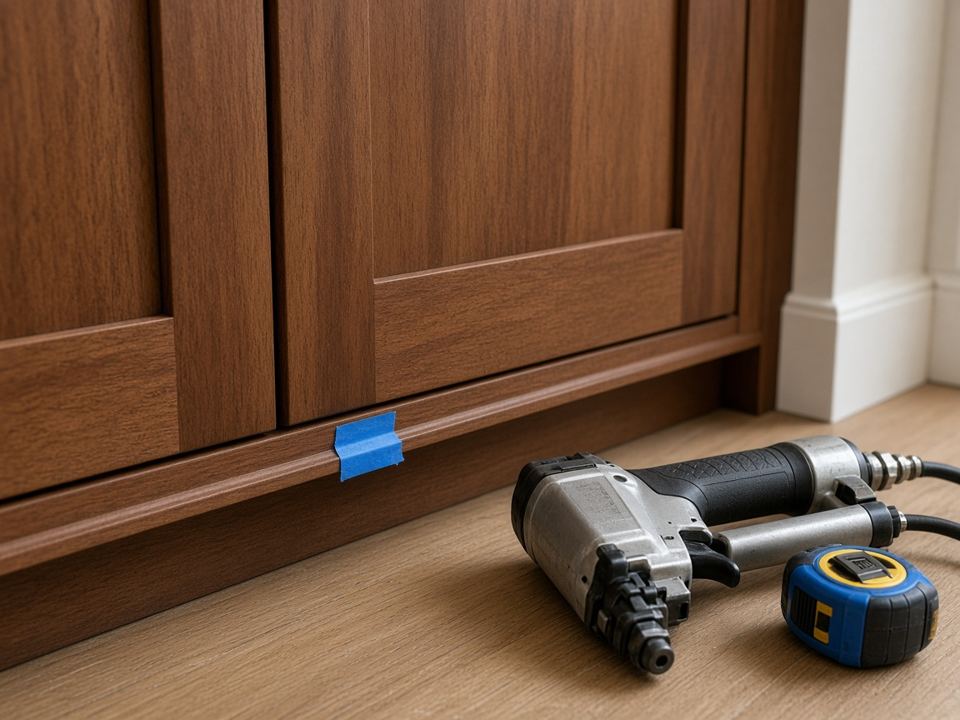
Bids, specs, drawings, approvals and a house that keeps moving its date. GCS Cabinet Manager keeps it all on one record for months, so nothing gets lost while the house goes up.Bid, specs, drawings, approval and every date change, on one record for months.
Ballpark from the budget estimator
Wood, door and finish set for drafting
Attached to the job for review
Signed by homeowner · deposit invoiced
Install was Sep 22 then Oct 1 now Oct 8 · applied automatically
Order released to production · ~3-week lead time
Crew and dates set for Oct 8 · homeowner notified
Install day · trim-out scheduled
A kitchen passes through sales, design, drafting, ordering, the shop, install crews and the homeowner. GCS Cabinet Manager keeps every hand-off on one record: who's up next, what's missing and what happens next.
Ballpark on the first call, then send a polished, versioned estimate priced from the final drawings and share it through a branded customer portal.
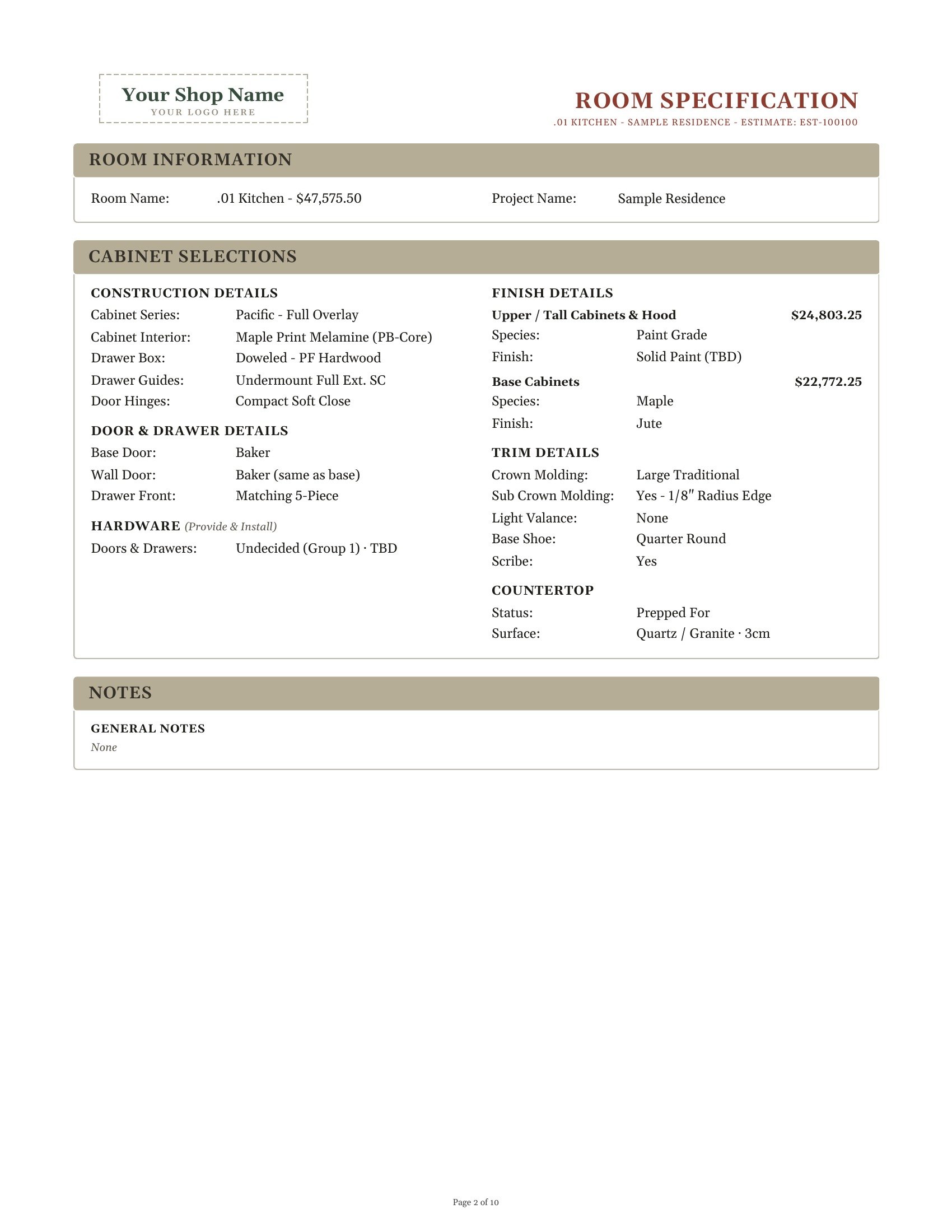
Design with the customer, then lock door, drawer, species, finish, hardware and trim per room, with a Spec Tracker that flags what's still missing.
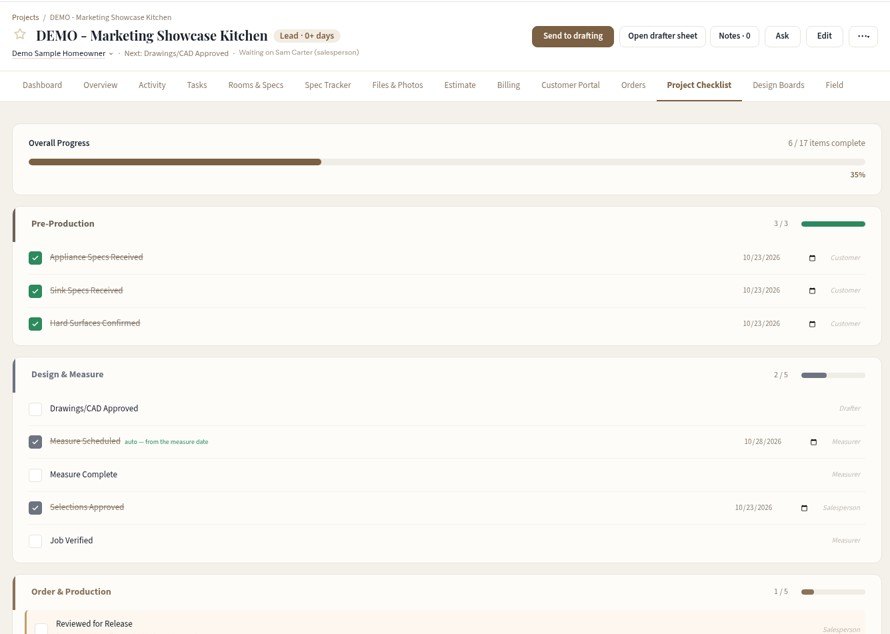
Field measure and verify, updated drawings and signed approval come first, so nothing goes to production incomplete.
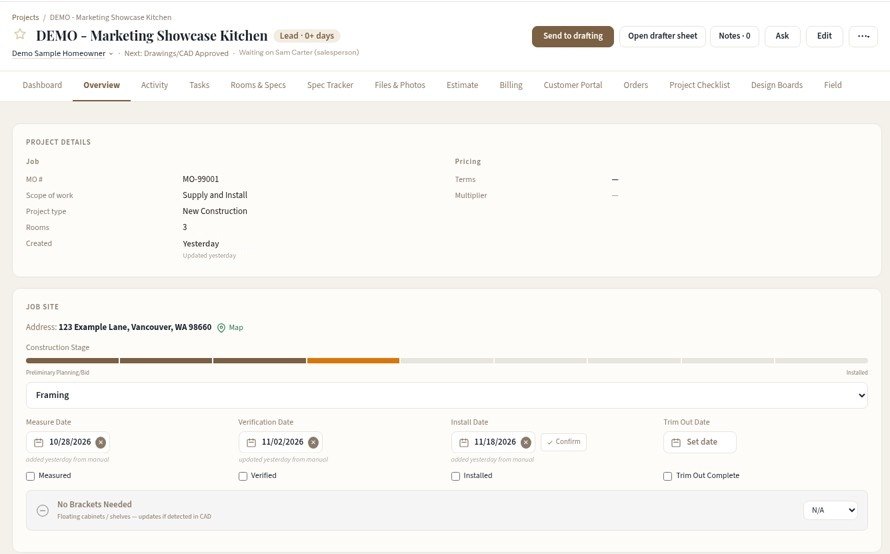
Builder date changes, install scheduling, field notes and photos, alerts and billing, all on the job.
Sales, project managers and owners see the pipeline, who has the ball, and every date and dollar on the job.
Complete room specs, design boards and a drafter sheet up front; drawings and CAD come back to the job.
Schedules, specs, photos, notes and marked-up plans on iPhone and iPad, right at the job site.
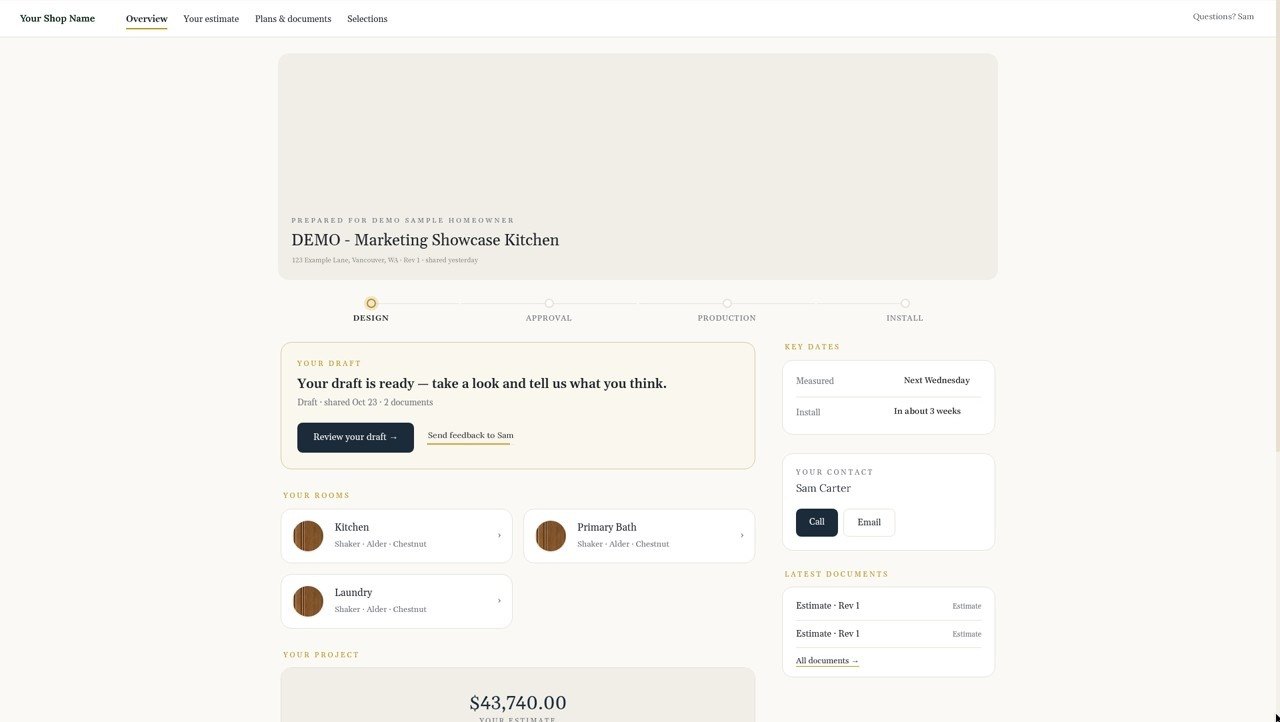
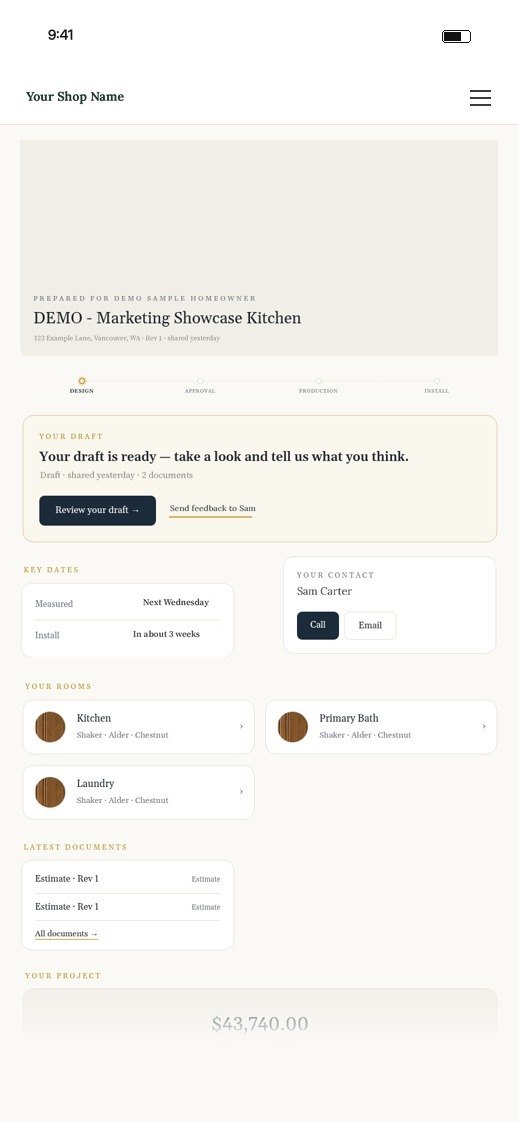
A customer portal shows their draft, rooms, key dates, documents and who to call, under your shop's name.
Ten steps, one project record. Here's the path a kitchen takes through GCS Cabinet Manager, shown on a sample job.
The Budget Estimator turns a phone call into a ballpark: pick door style, finish and cabinet runs by the linear foot, compare options side by side and export a PDF.

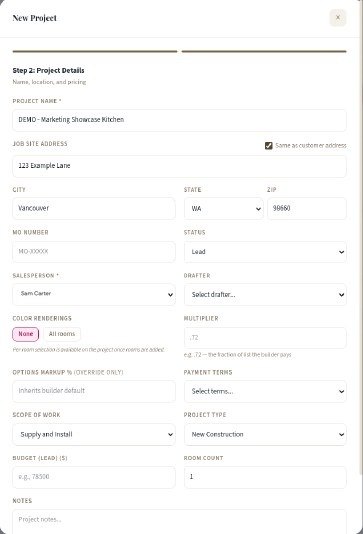
A guided New Project form captures the customer, job site, salesperson, scope and terms once. Every tab after it (rooms, estimate, schedule, billing) inherits the details.

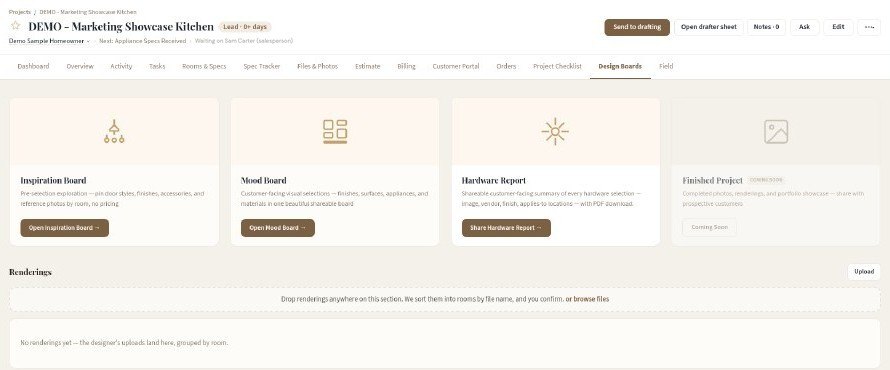
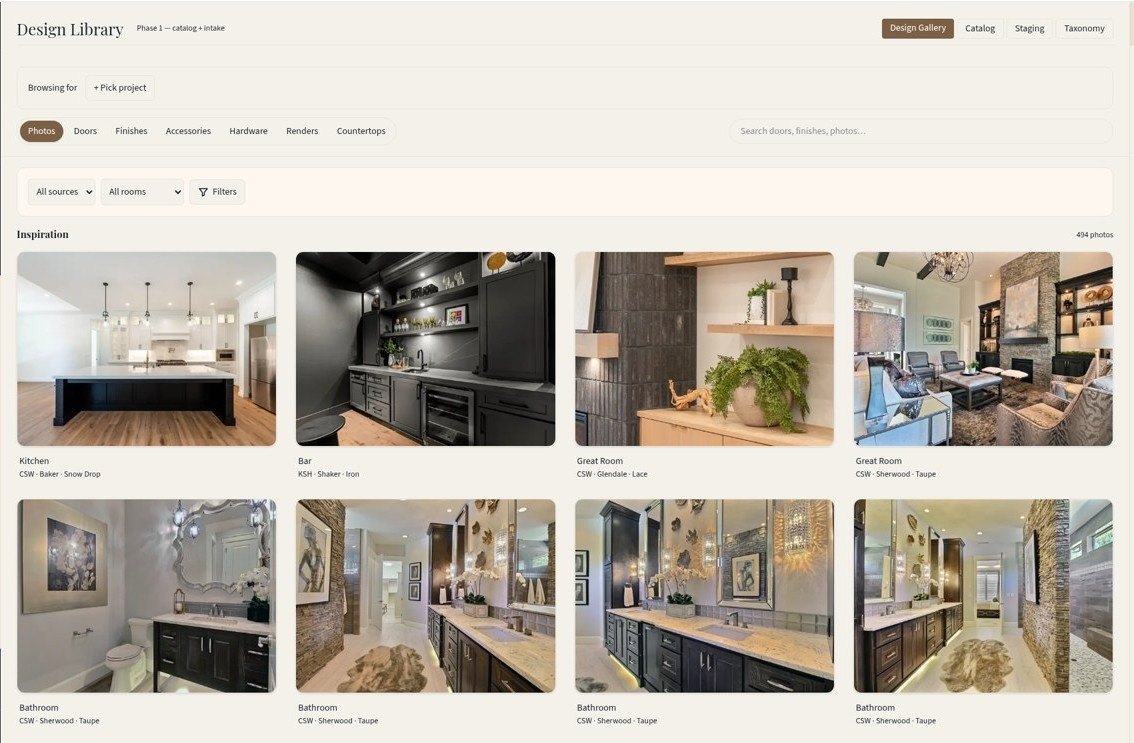
Inspiration and mood boards, a shareable hardware report and renderings, all kept on the job. Style Finder helps customers see door, species and finish together, and the Design Library lets them pick doors side by side.

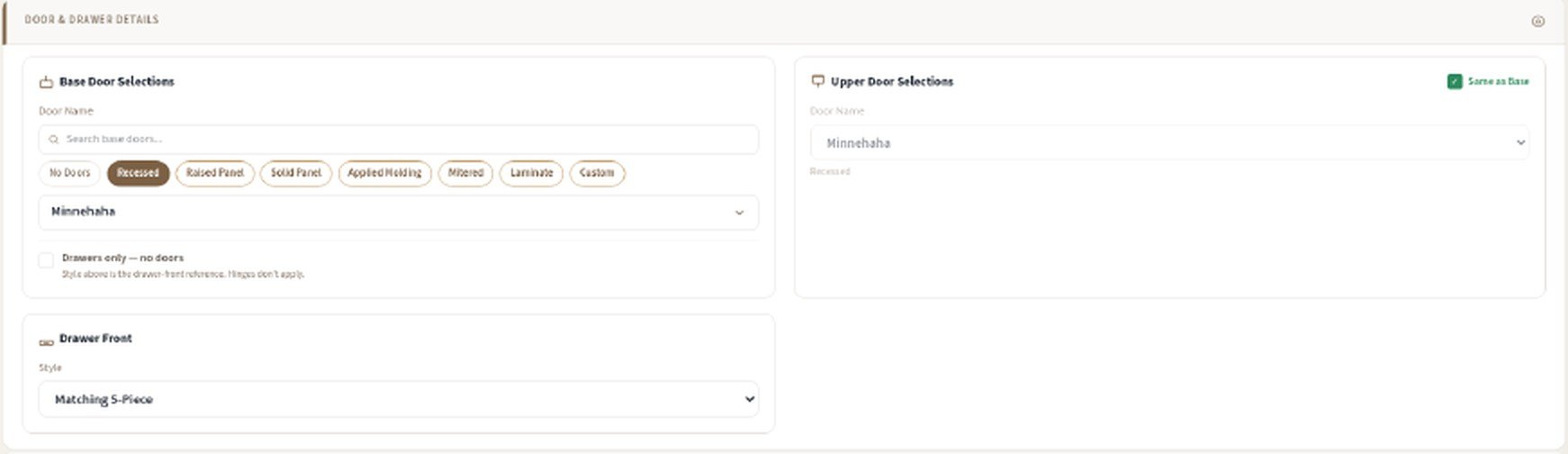
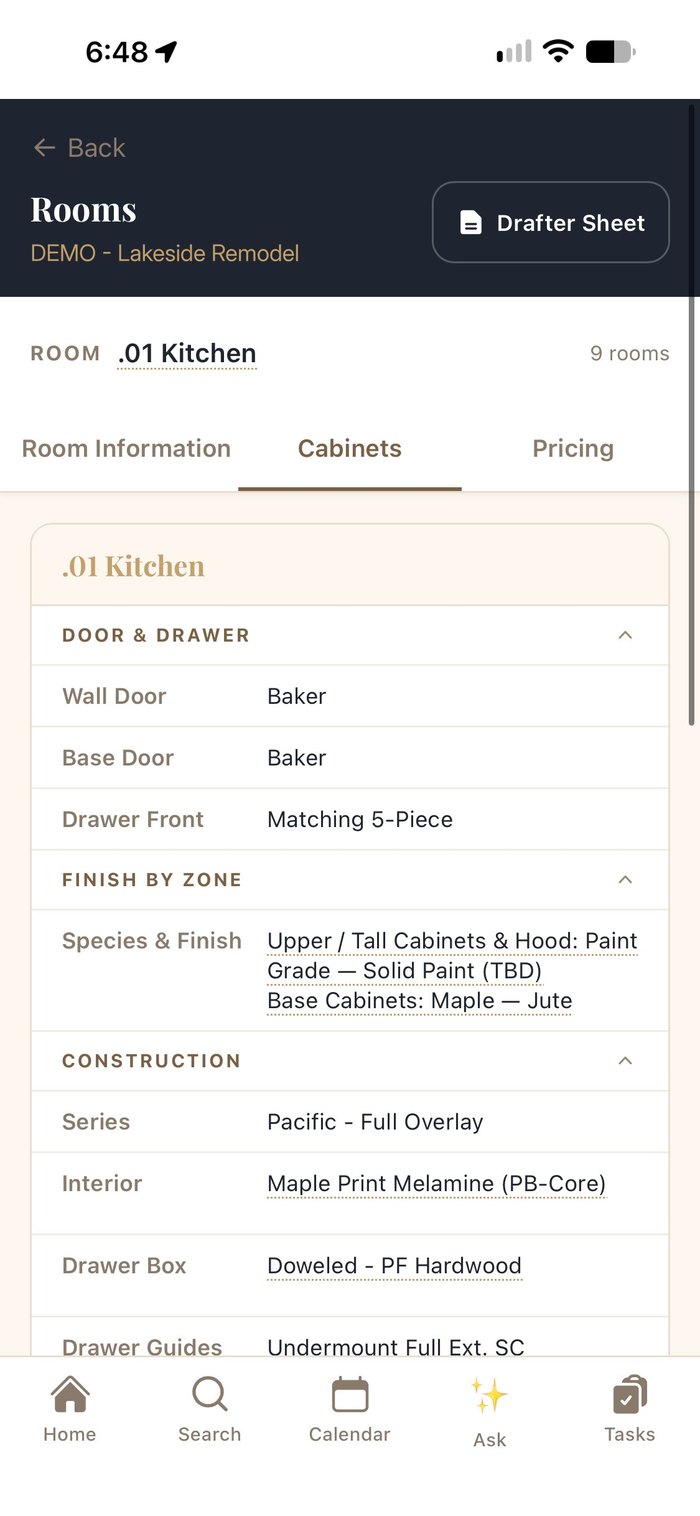
Add the kitchen, baths and laundry, then set door style, drawer fronts, species, finish, hardware and trim for each room. The Spec Tracker shows what's confirmed, needs review or is missing, and you approve and lock room by room or all at once.

“Send to drafting” moves the job to the drafter with a drafter sheet and the full spec. Drawings and CAD files come back to the project, and the checklist carries it through design and measure.

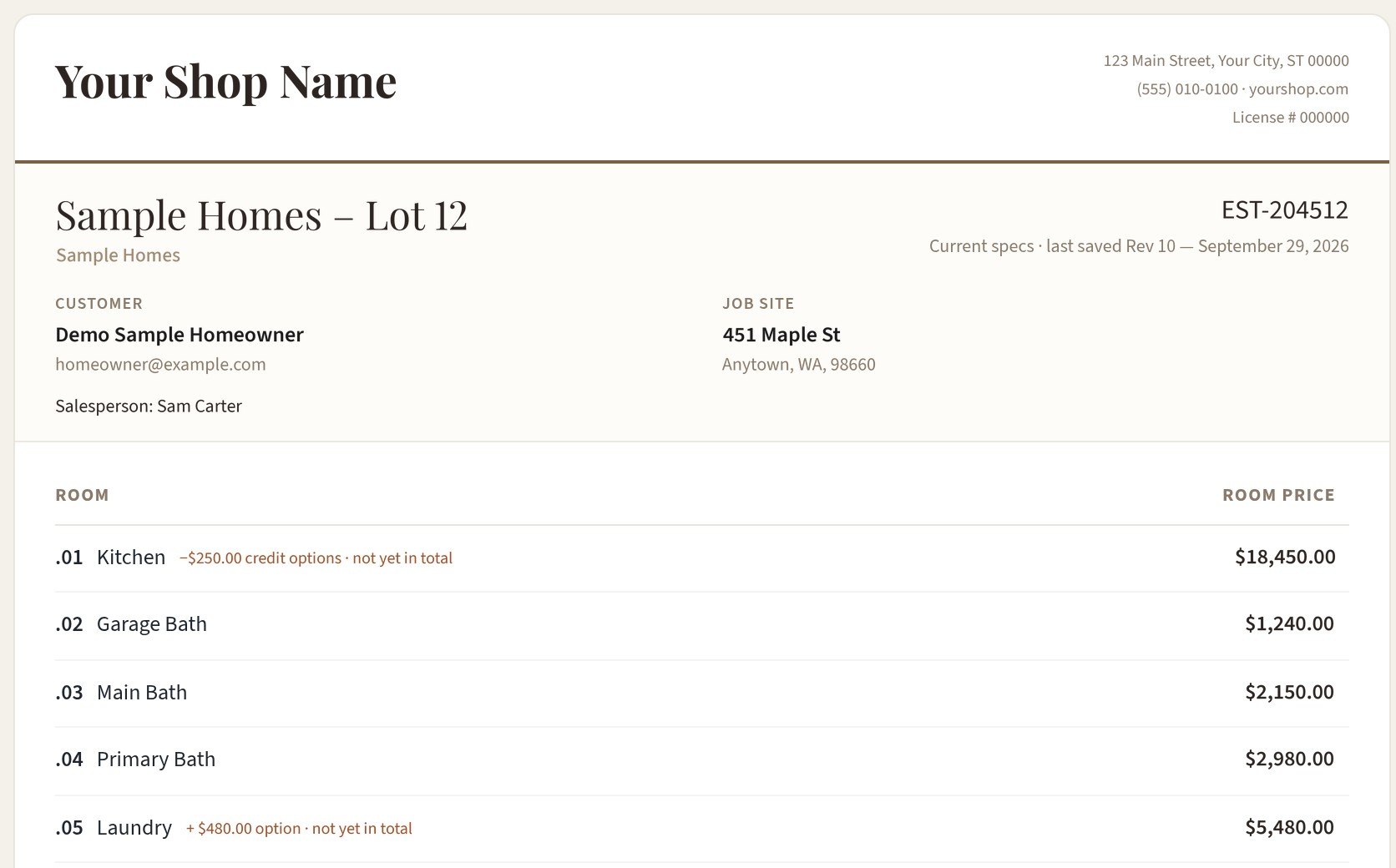
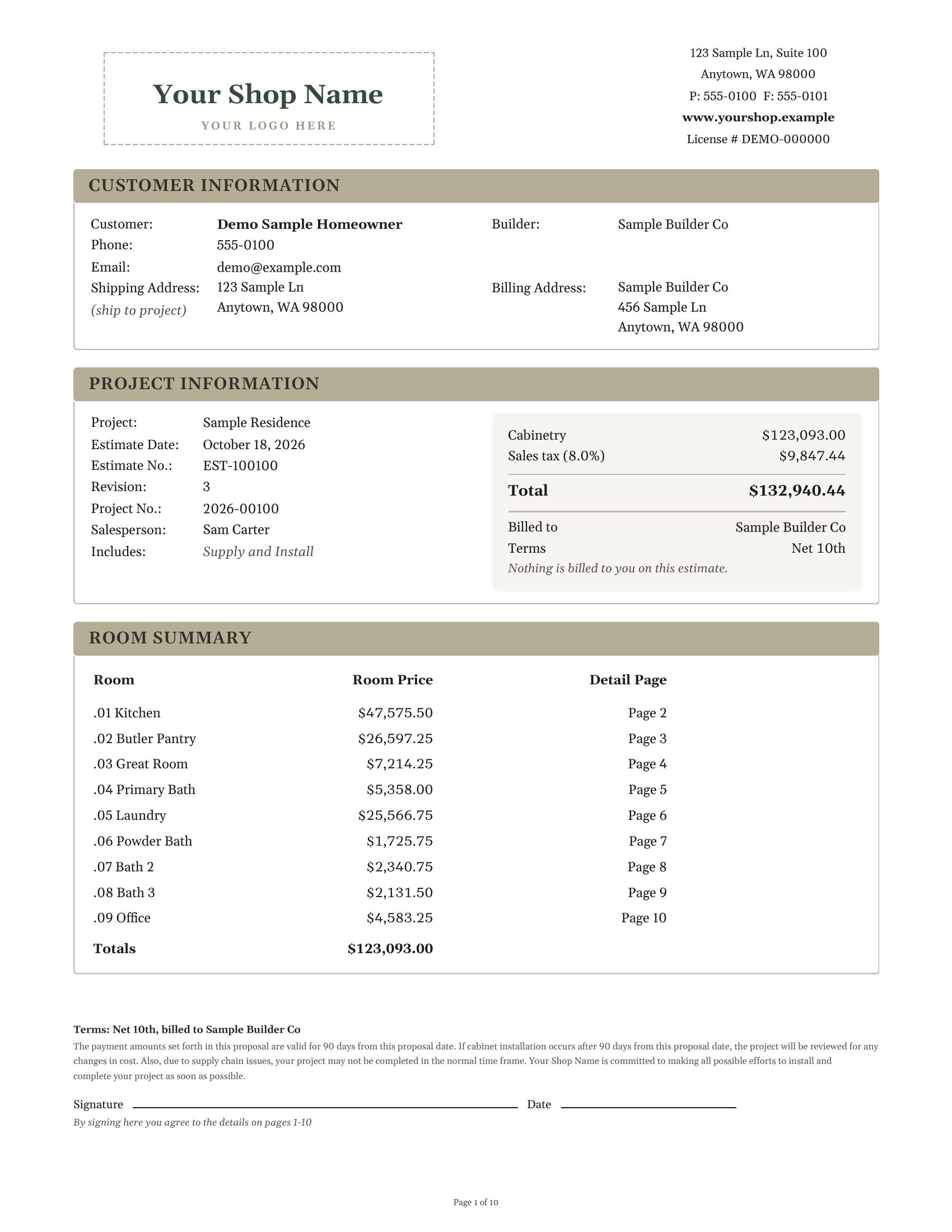
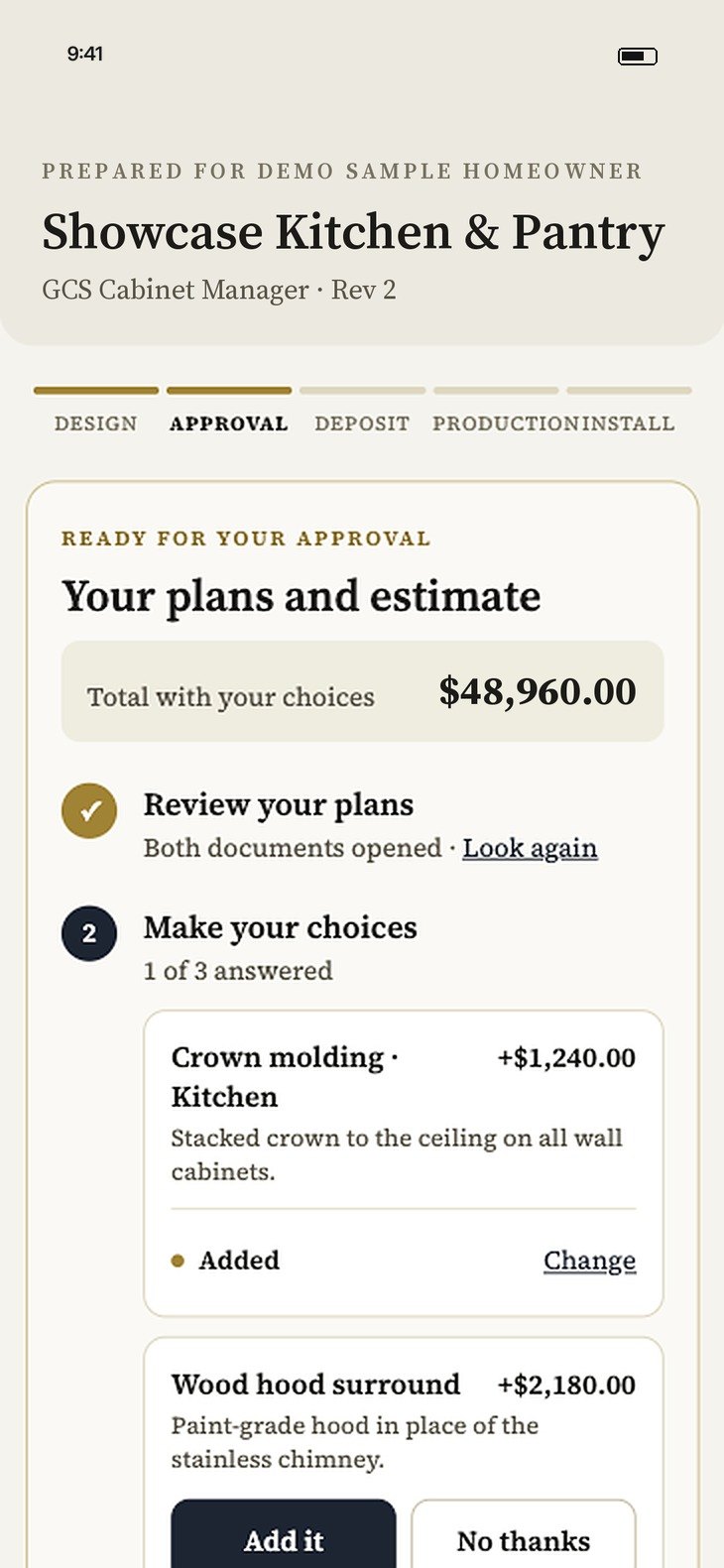
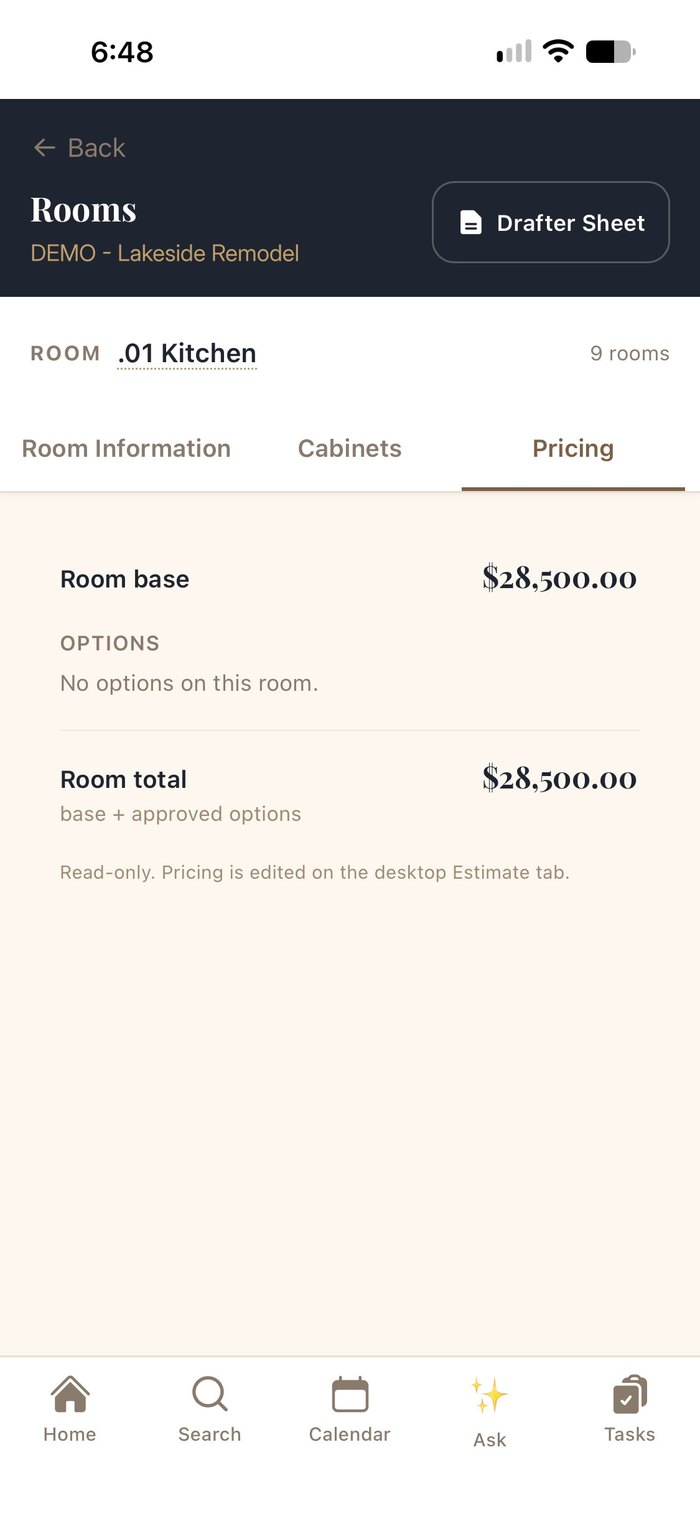
Room-by-room pricing from the final drawings lands on an estimate with your logo, allowances, tax and a signature block. Publish it with the drawings to the customer portal, and the homeowner approves plans and price together.

Months of framing, drywall and paint, and the builder's dates move. Forward schedule emails or PDFs, see the new date next to the current one and apply it in one click.

Once plans are approved and the house is ready, measure and verify on site. If the measure changes anything, drawings are updated first; the order releases to production once sign-off is in place.

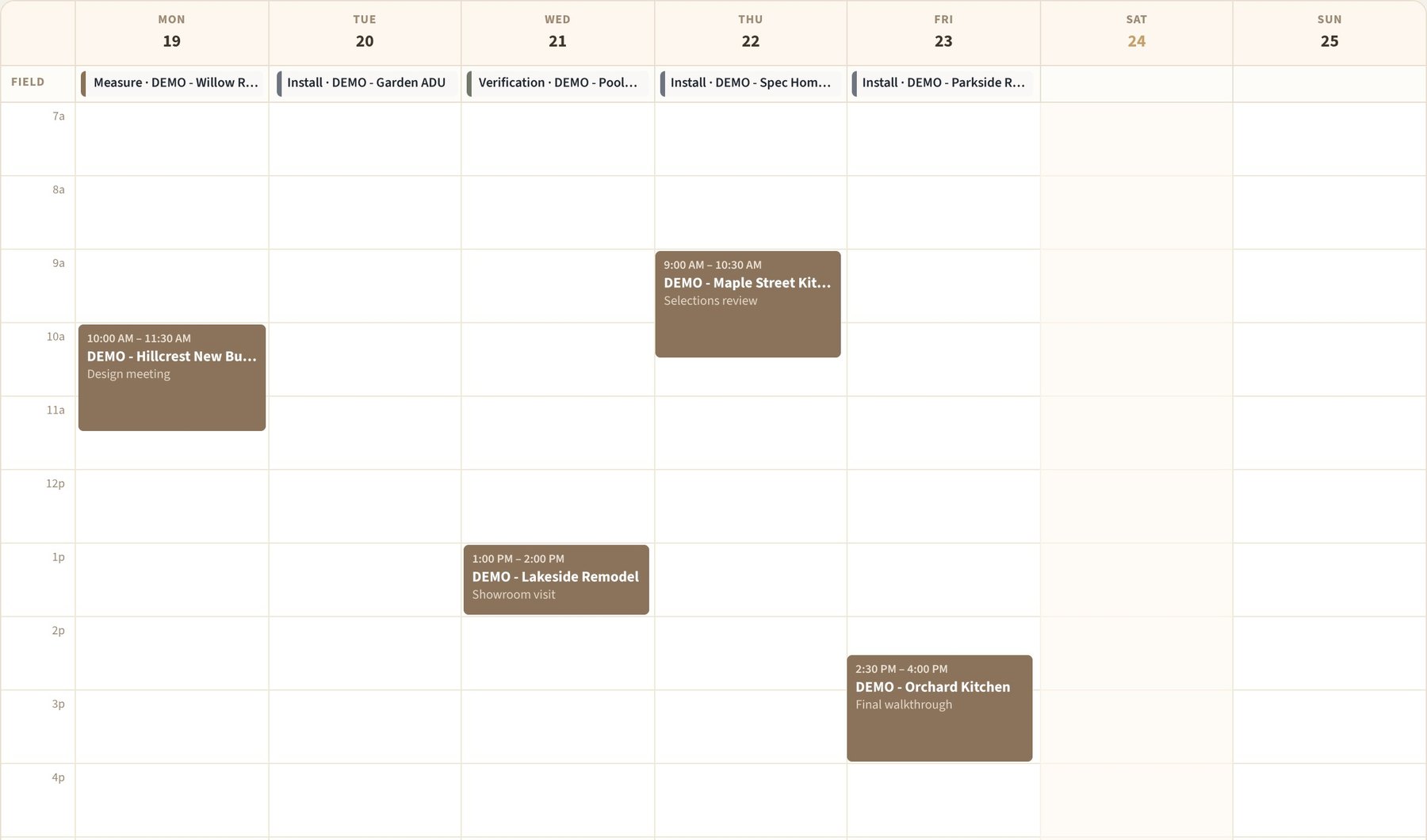
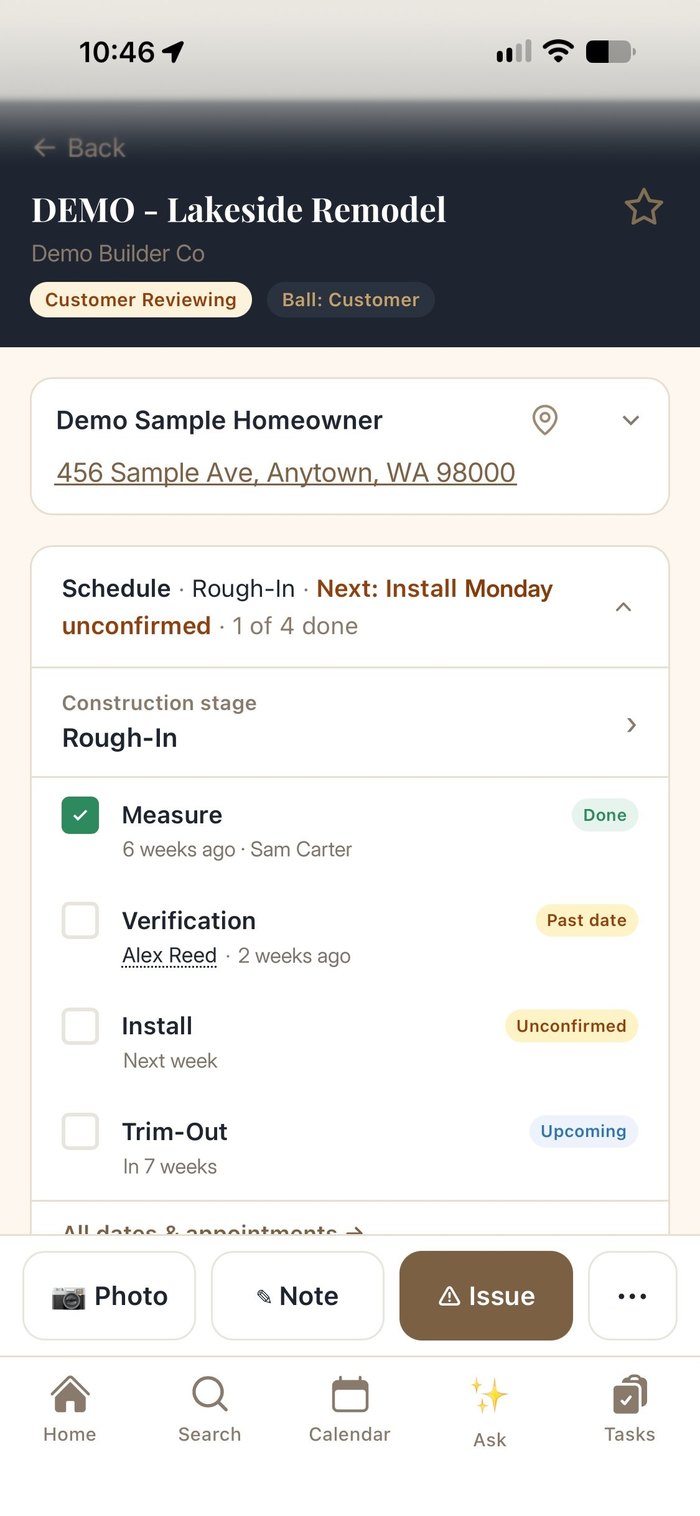
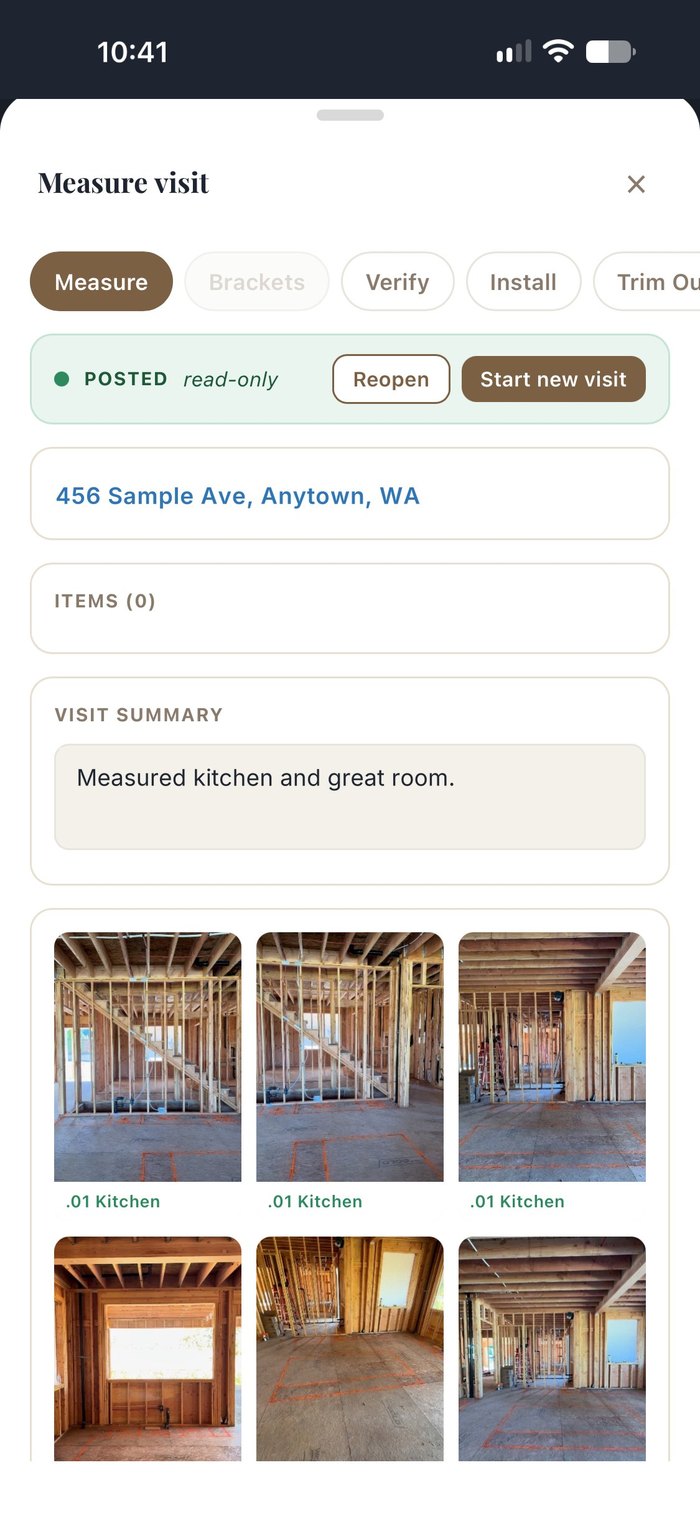
The Job Board and shared calendar set install dates and crew. In the field, crews run Measure, Verify, Install, Trim Out and Warranty reports, take photos and log issues, and the office sees it on the job right away.


Deposits, invoices, payments and overages follow the approved estimate. QuickBooks stays your books; a direct QuickBooks link is coming soon.

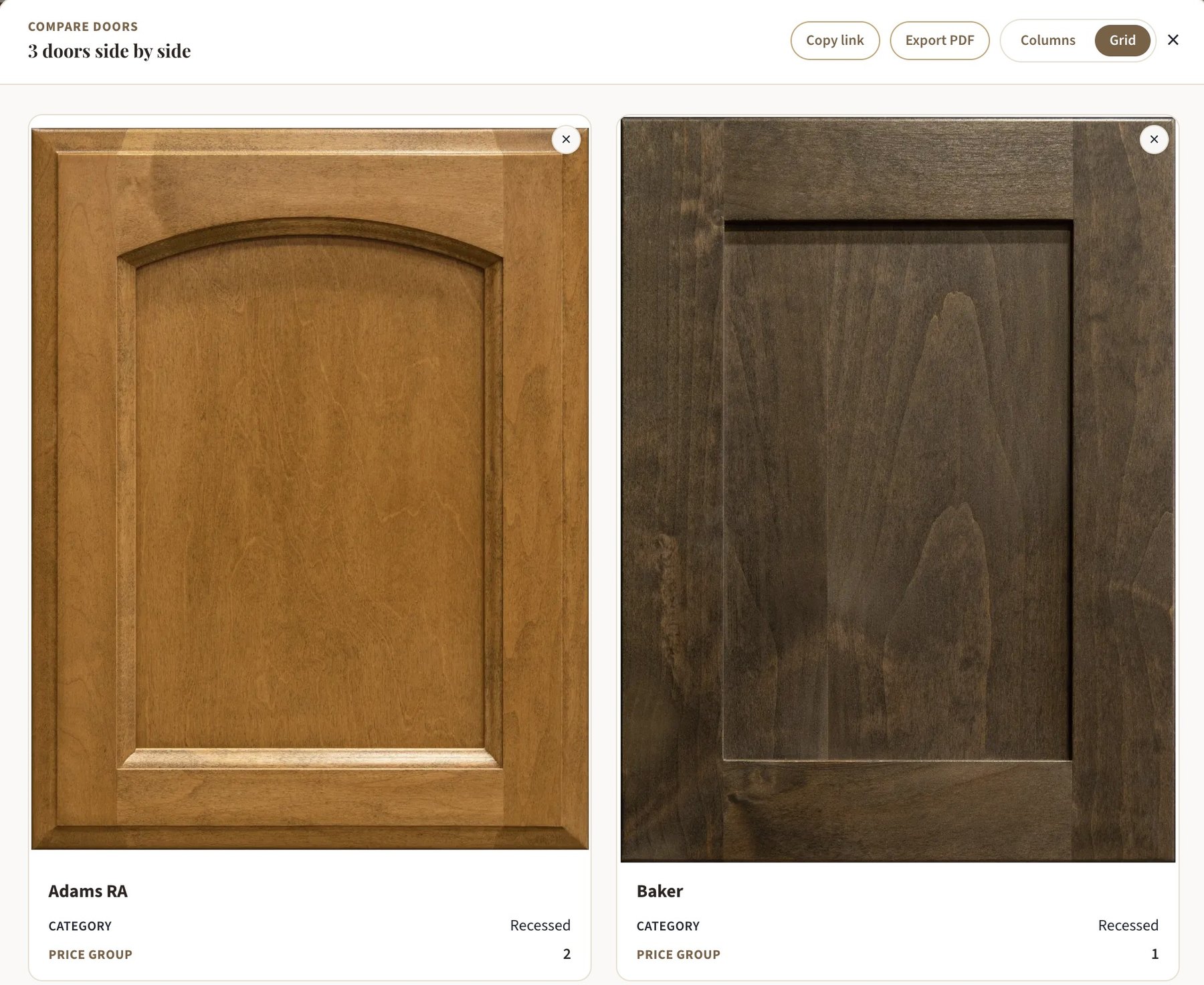
Help the customer choose with the whole library in front of them, right on their job.


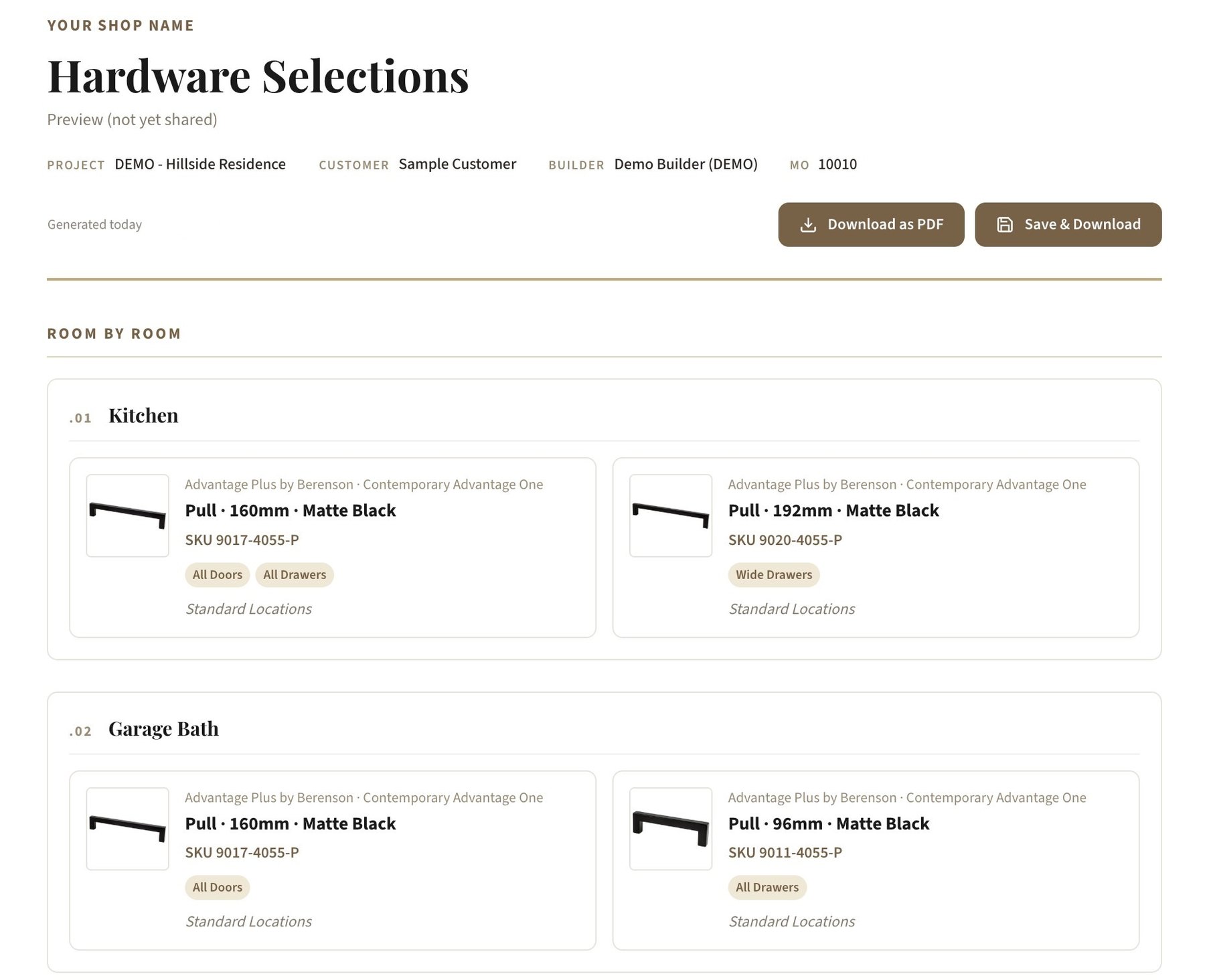
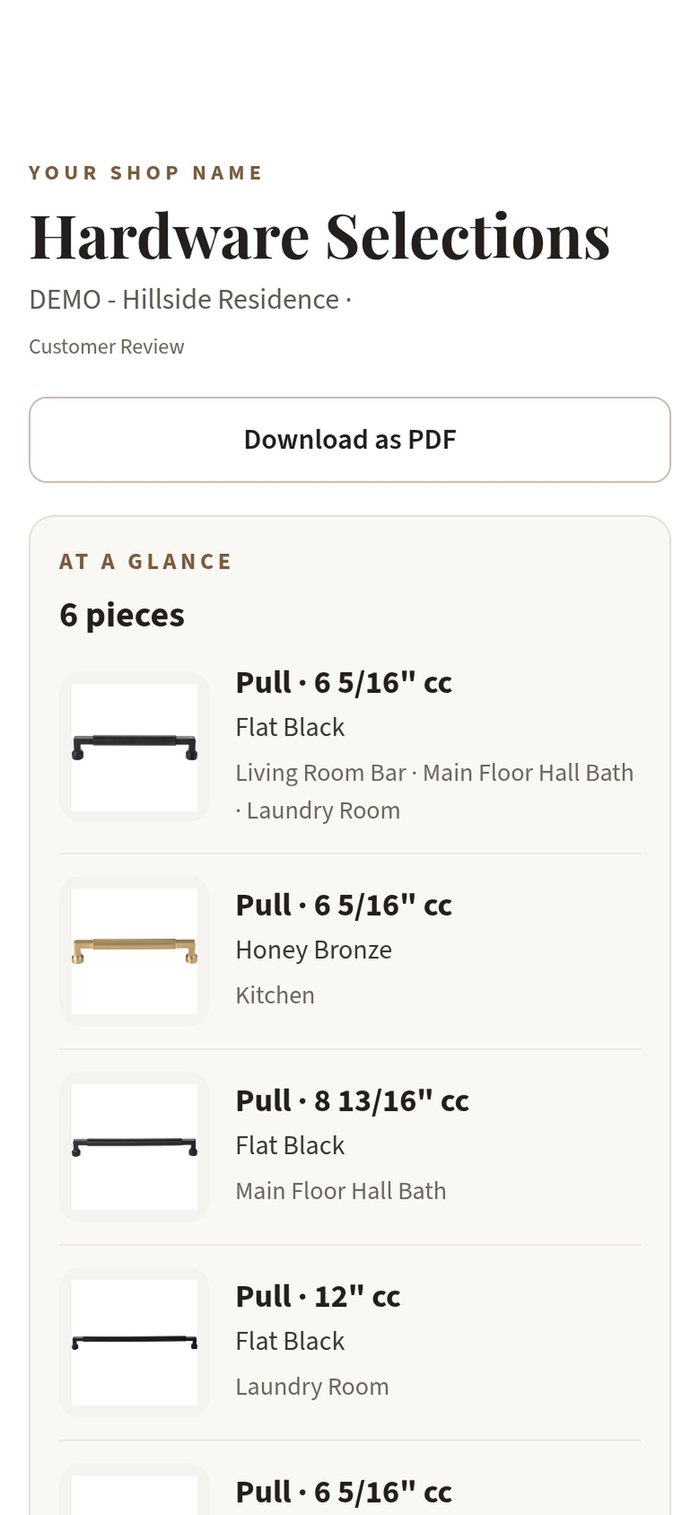
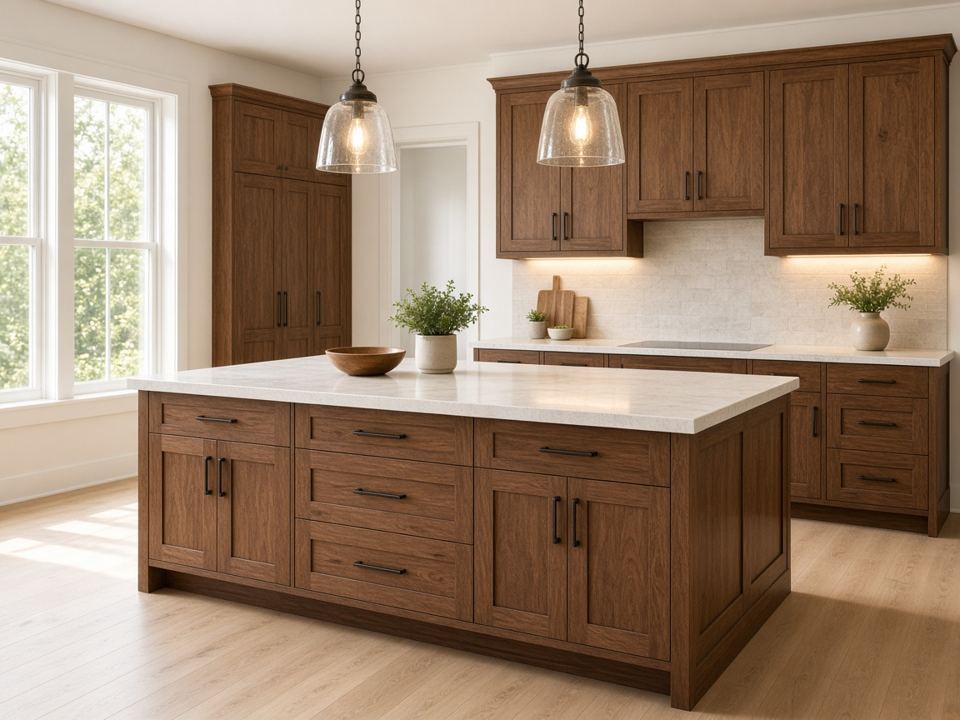
Publish color renderings, room by room, to the customer portal. Then send a clean hardware report with every pull and knob by room, as a shareable link or a PDF, that looks great on a phone.


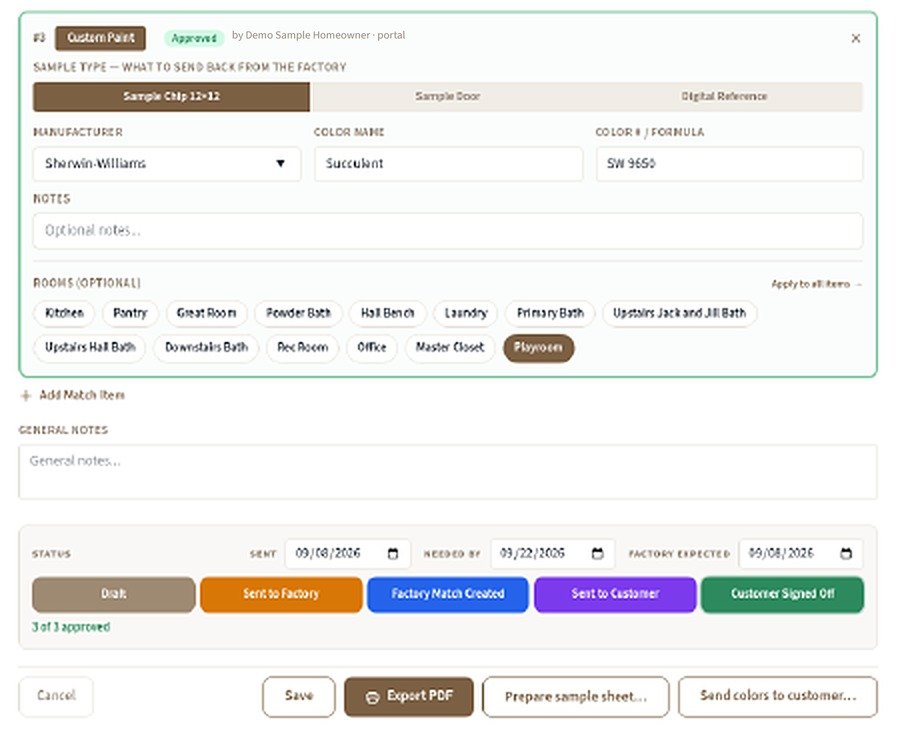
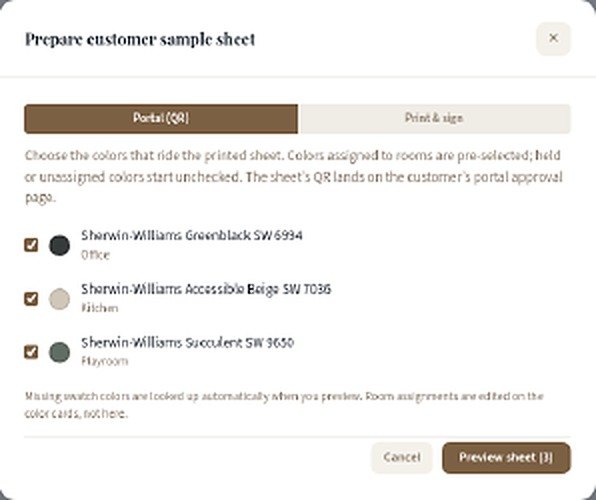
Track every custom paint or stain match from the first request to the factory to the customer's sign-off.

Turn the rooms you've priced into a clean, multi-page estimate with your logo and your terms, ready to email or print for the customer.


Publish a branded portal for each job, so homeowners can review drafts, see their rooms and selections, check key dates and open documents without calling the office.


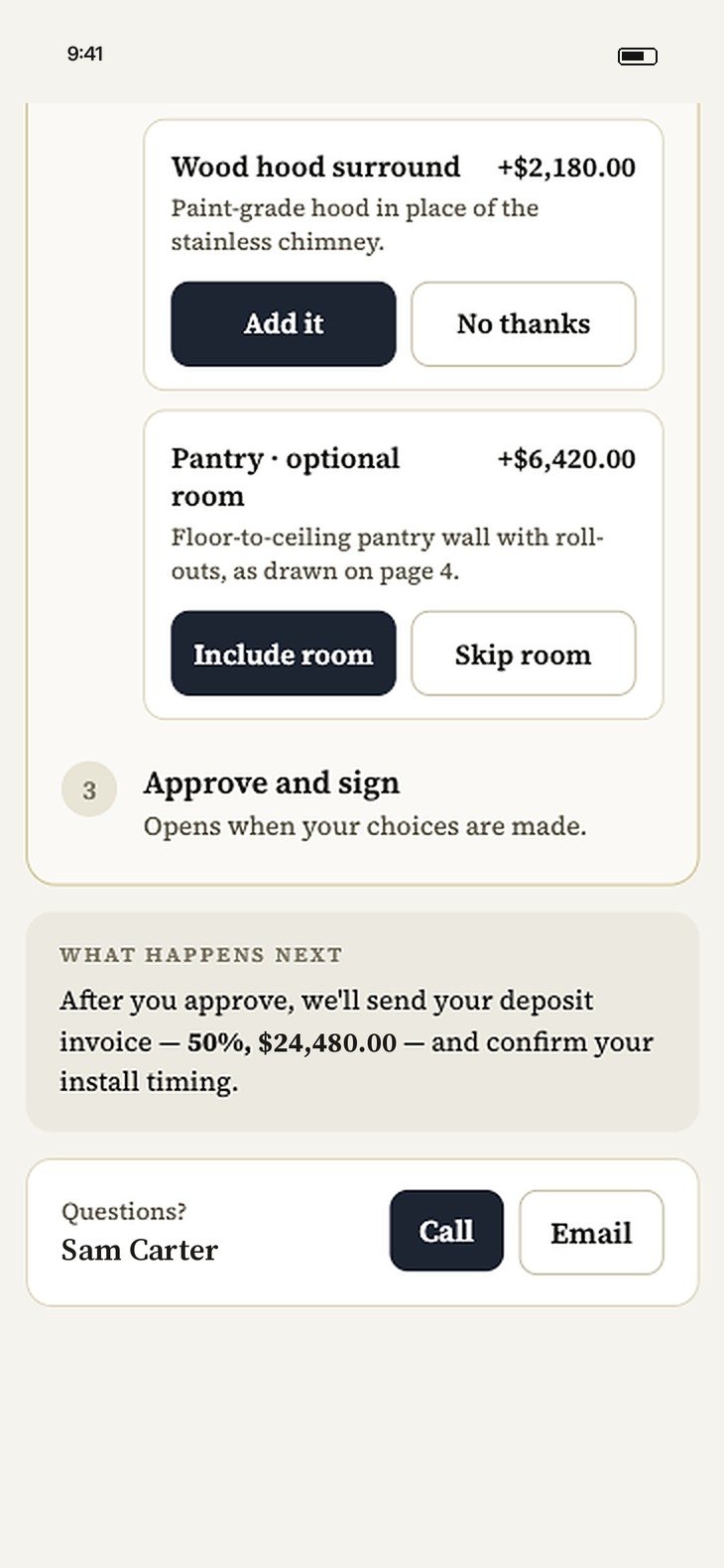
The approval page walks homeowners through each step: review the plans and estimate, choose optional upgrades, then approve and sign.


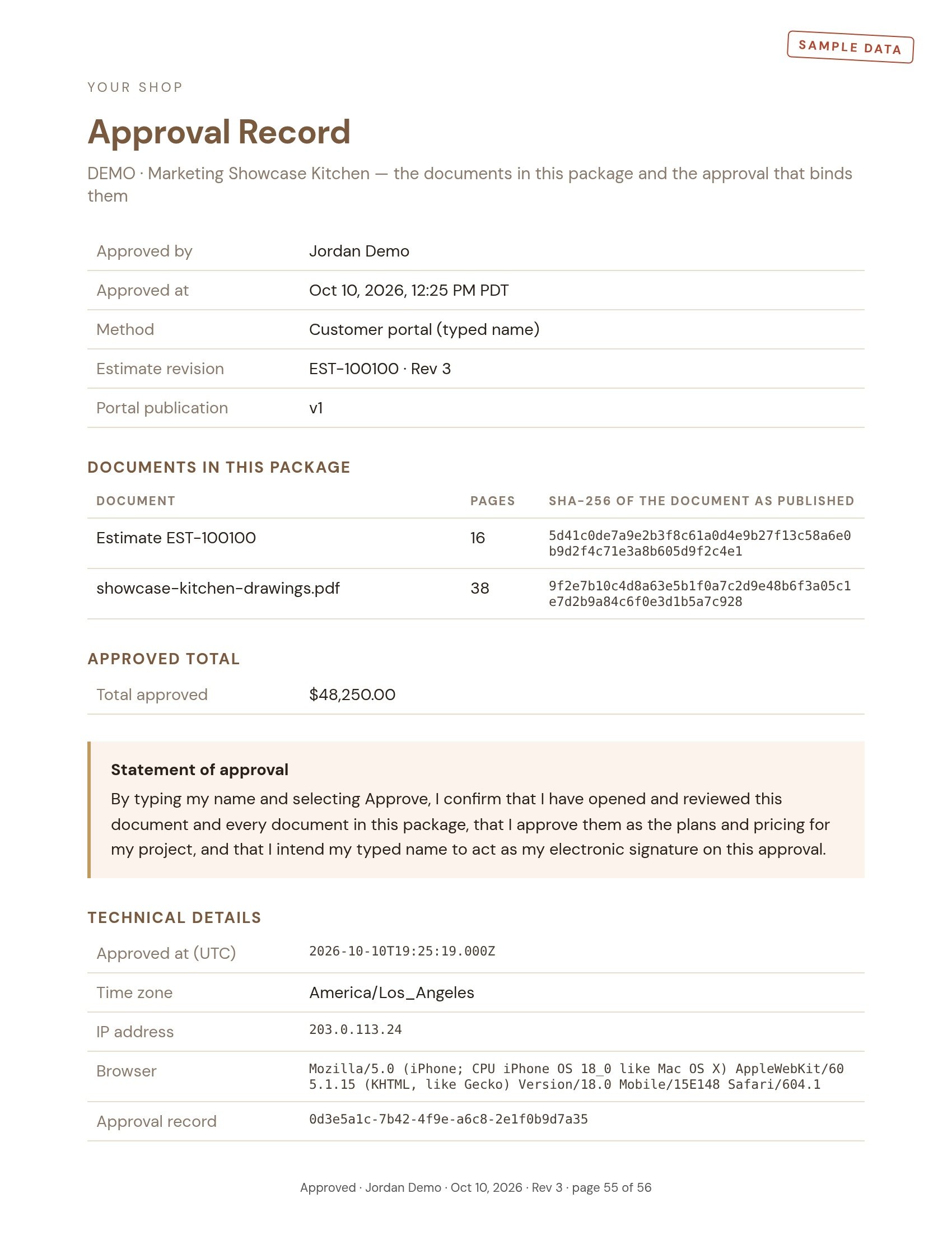
When a customer approves in the portal, GCS Cabinet Manager seals the estimate and every drawing into one package, stamped on every page. An Approval Record at the end shows who approved, when and how, the approved total, and a fingerprint of each document, so anyone can confirm it's exactly what they signed.

When a builder moves a date, GCS Cabinet Manager reads the update and lines it up against the job, so nobody retypes a schedule.

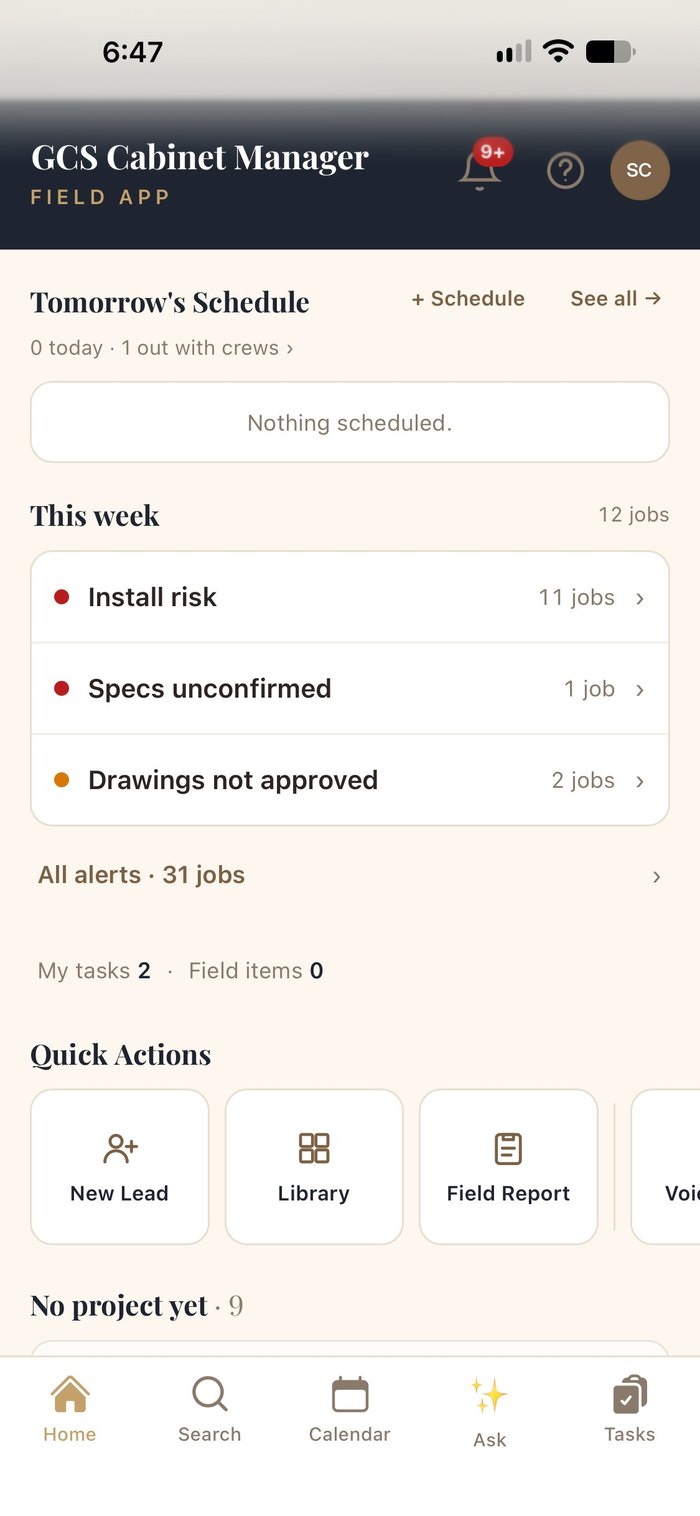
Installers and measurers get the day's schedule, the job's address and specs, and one-tap photos, notes and issues, all filed to the right project for the office.


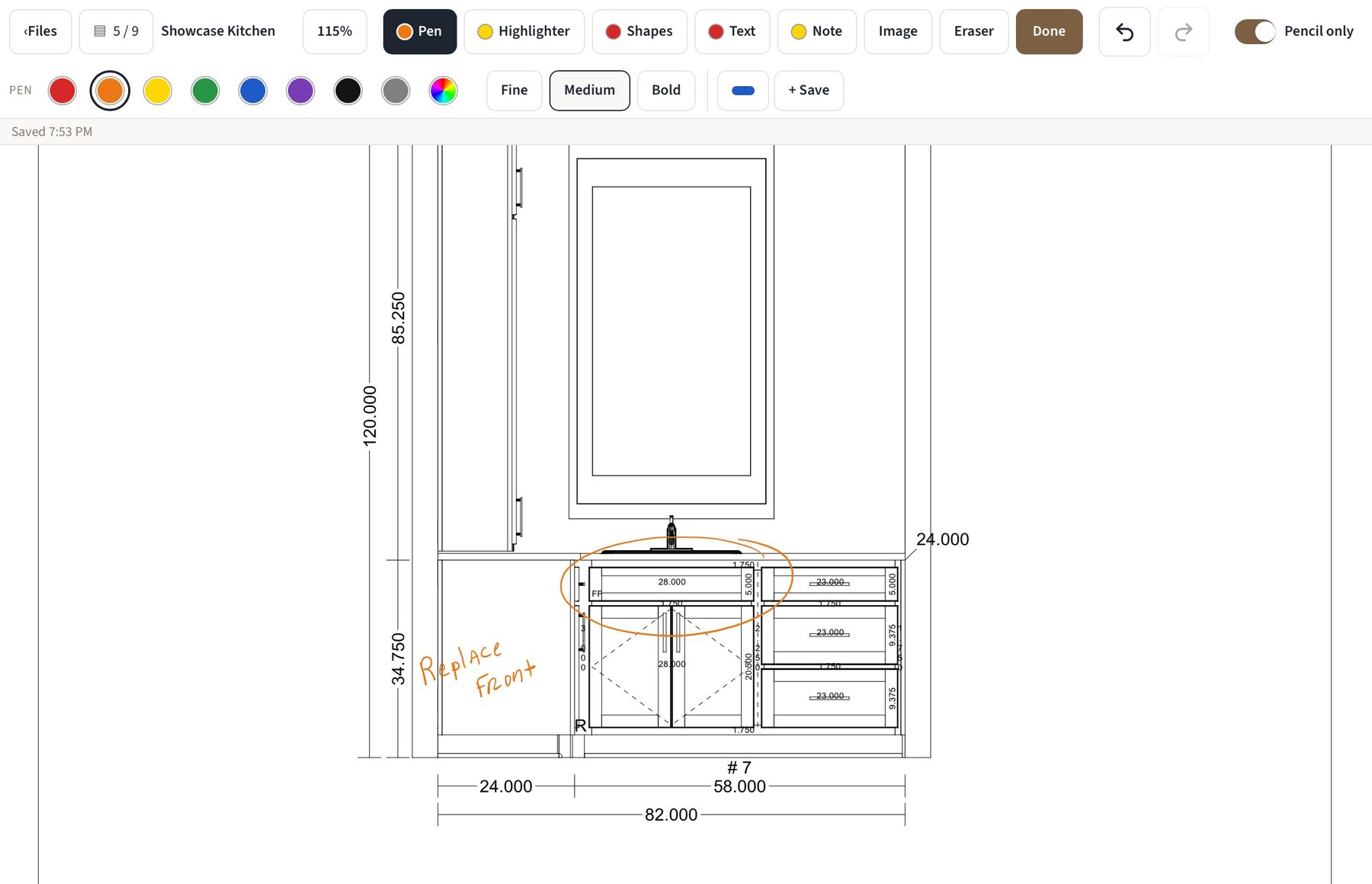
Open shop drawings or any PDF on the job and annotate them with a pen, highlighter, shapes, text and sticky notes, or drop in an image. Markups save back to the job, so the office and the shop see the same notes.


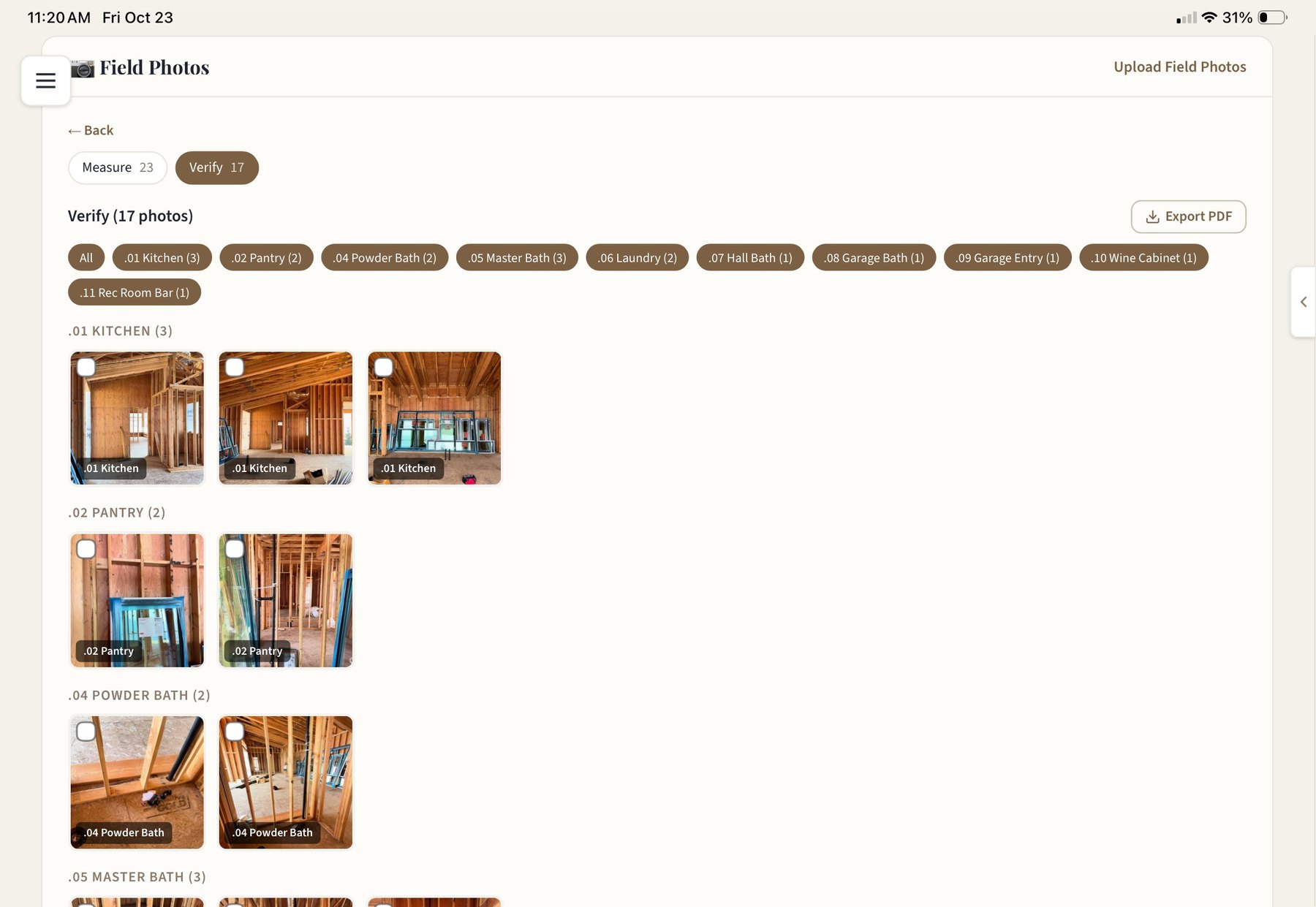
Measure and verify photos are tagged to rooms as they're taken, filtered by room with counts, and exported to PDF for the drafter, the shop or the builder.
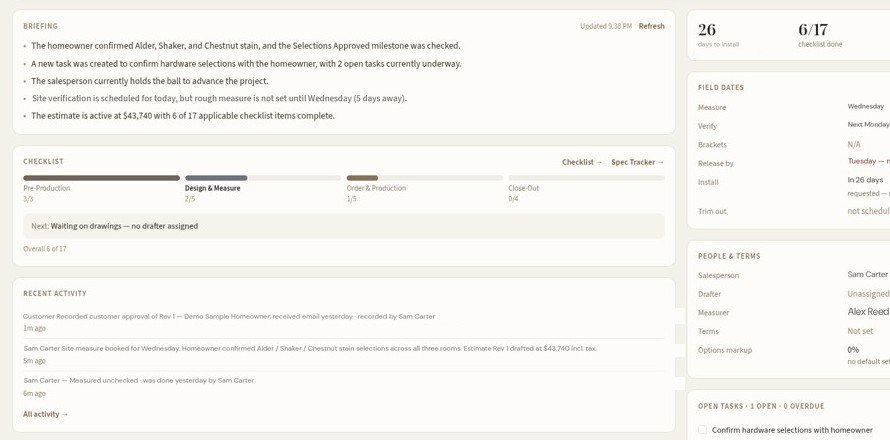
Each job opens with a plain-English briefing of what changed and who has the ball, under alerts for anything at risk: installs coming up with open checklist items, missing specs, drawings not yet approved.


Each module is built around how a cabinet shop actually works, from the first sketch to the last mile driven.
A ballpark by the linear foot on the first call, with options side by side.
Room-by-room, versioned estimates with your logo, allowances and a signature block.
Every job by stage and who owns the next step, in a list or kanban.
Drafts, rooms, key dates and documents for the homeowner, under your name, with signed approvals on record.
Door, drawer, finish, hardware and trim per room, plus appliances and plumbing.
Confirmed, needs review or missing, then approve and lock room by room.
Preview door, species and finish together, and browse a library of finished rooms.
Annotate drawings or any PDF on iPad, with Apple Pencil, saved to the job.
Send to drafting with a drafter sheet; drawings and CAD files return to the job.
Role-owned steps and sign-offs before anything is released to production.
Queues for deposit due, ready to bill, overage, overdue and paid across every job.
Finish-match orders and sample requests tracked against a target date.
Measure, verify and install dates for every active job, plus a shared calendar.
Schedules, specs, photos, notes and issues, with camera, mic and location.
Measure and verify photos tagged to rooms, exportable to PDF.
A plain-English summary of every job, and answers from any screen.
Builder schedule updates and team messages, applied to the right job.
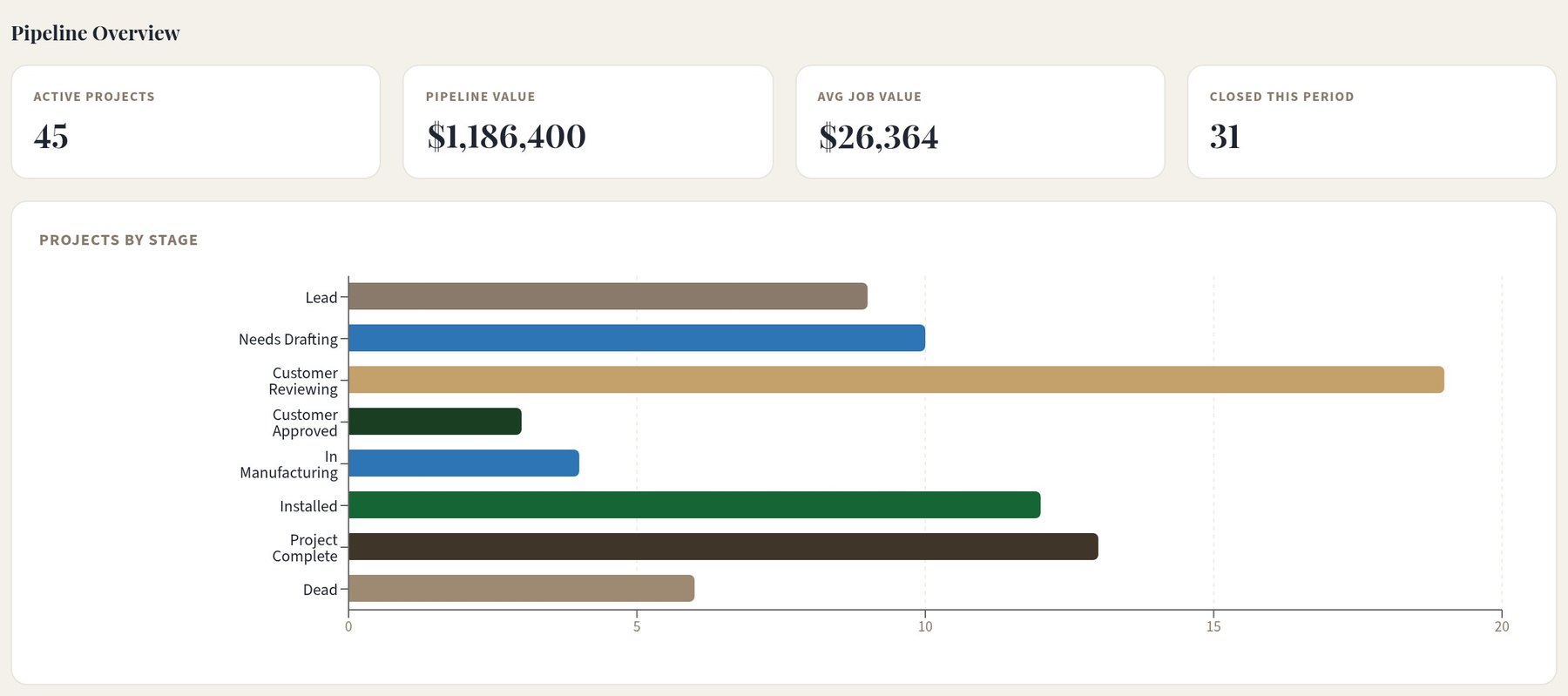
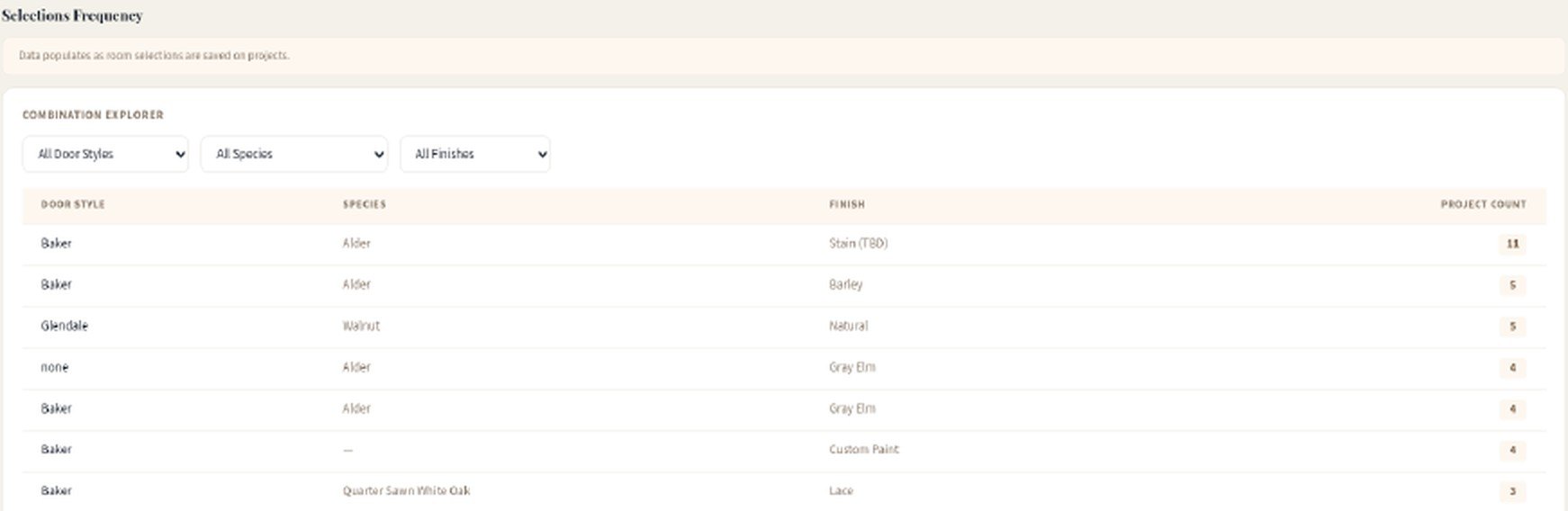
Pipeline value, upcoming installs, and which door, species and finish combinations actually sell.
Every job on a map, and trips logged by project stop for reimbursement.
Closet jobs from consultation and wardrobe count to field measure and design.
Ten roles, including Scheduler and Billing. Schedulers see every job, never the dollars.
Readiness alerts and automation rules raise tasks before they hold up a job.
“A day in the life” guides for sales, drafting and field roles.
Your logo and terms on estimates and the portal, with job templates set up for your shop.


Browse a library of finished rooms with the customer, tagged by door style and finish.

Lars Jarvi has been selling cabinets since 1999, more than 25 years in the business. GCS Cabinet Manager is built for custom cabinet shops and cabinet retailers that sell to builders and homeowners.
Every shop gets onboarding with Lars himself: setting up your process, importing your current jobs and training your team to run jobs in GCS Cabinet Manager.
One monthly plan covers the software and remote onboarding with Lars: the app, the Help Center, email support, every update, and a setup built around how your shop already works.
Remote onboarding with Lars included.
The software includes
Included with your plan. Lars sets GCS Cabinet Manager up around how your shop already works, over screen share.
Remote onboarding includes
Optional on-site setup: Lars spends a day in your shop. One-time add-on, from $1,500 + travel.
Lars walks you through a kitchen from the first ballpark to install, then answers questions about how your shop runs.
Selling cabinets since 1999. Your demo is with the founder.
Measure complete, all dims verified. Ceiling 108", floor out of level 3/8" at sink wall. Window opening confirmed. No drawing changes (rev B stands).
| Room / wall | Dim. | Notes |
|---|---|---|
| Kitchen · sink wall | 144 ¼" | Window opening 36" w, centered 72 ⅛" from left corner; sill at 42" |
| Kitchen · range wall | 118 ½" | Outlets at 18" & 96" from left, 44" AFF; hood vent centered |
| Kitchen · island | 96" × 42" | Floor outlet 30" from end; 42" aisles confirmed |
| Primary bath · vanity | 72" | Drains at 18" & 54"; mirror light box at 80" |
| Hall bath · vanity | 48 ⅜" | Out of square 1/4" at back corner, scribe left |
| Laundry · uppers | 66" | Dryer vent at 52" AFF, clear |
Sink wall elevation · field sketch
PDFMeasure Field Report - Kitchen, 2 baths, laundry - 2026-09-10.pdf
Order released to production · ~3-week lead time · delivery targeted Oct 1
Sample data for illustration


Trim-out scheduled Oct 10 · punch list: 1 open item
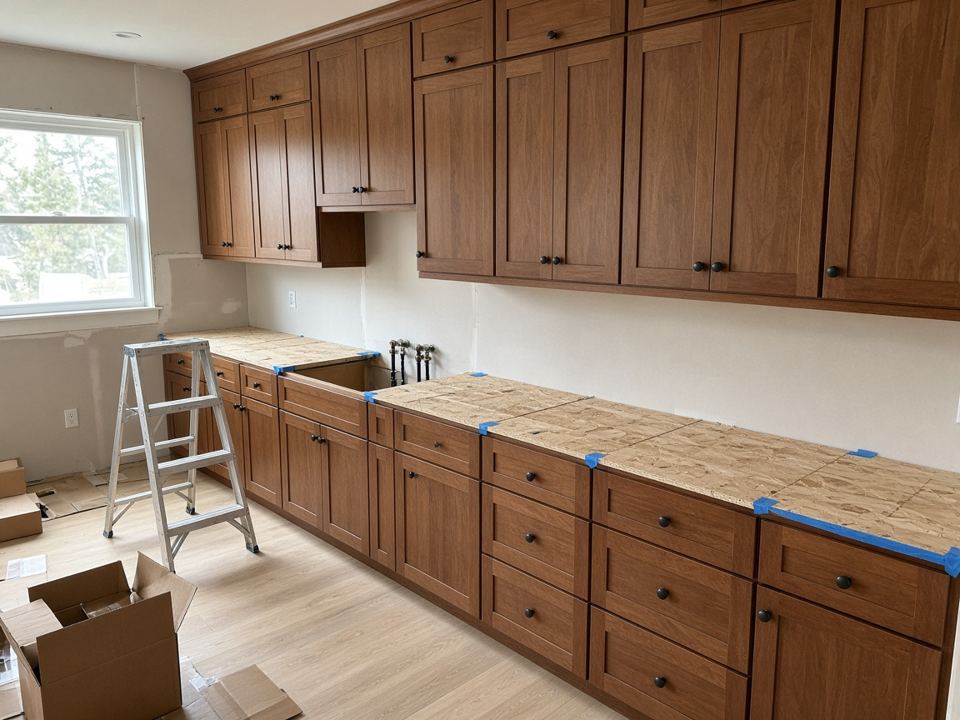
Sample data and illustrative photos